Edit an Address
To edit an address associated with a case, complete the following:
- Select the record(s) and

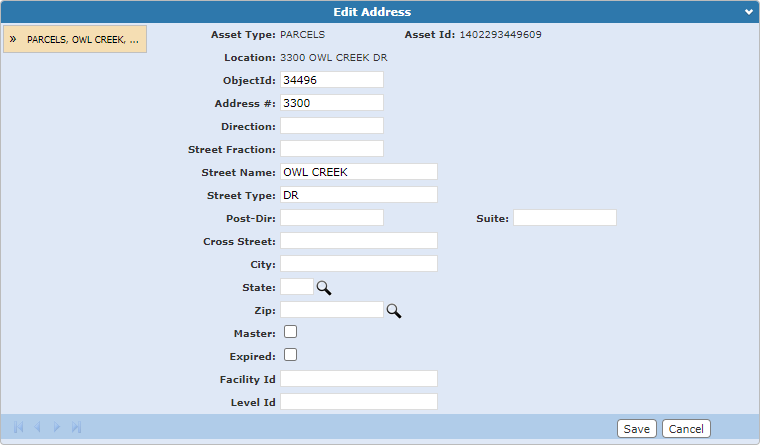
The Edit Address panel opens.
 NOTE: If you selected more than one address, you can switch between the addresses by selecting the one you want to view on the left-hand side of the panel, or by using the arrows at the bottom of the panel.
- Once you have made your edits,
See Address Panel Fields for an explanation of the Address panel fields.